



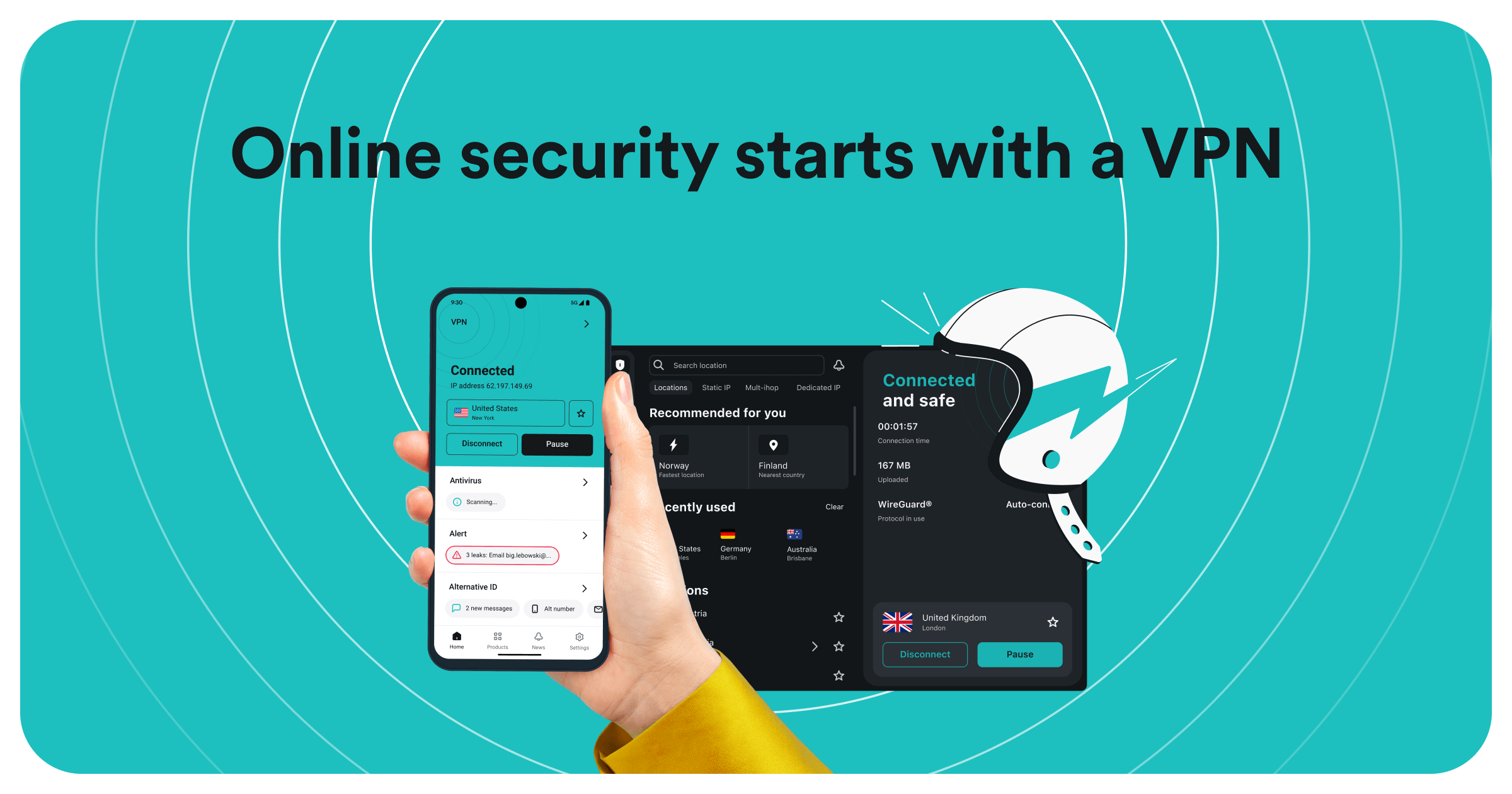
Surfshark has evolved from a “budget alternative” into a powerhouse of the VPN industry. By 2026, it has solidified its reputation not just for speed, but for a suite of innovative features that many competitors are still trying to replicate.
If you are considering a subscription, here are the essential Surfshark features that define its service today.
1. Unlimited Simultaneous Connections
While most VPNs cap you at 5 to 10 devices, Surfshark remains the industry leader by offering unlimited simultaneous connections. This means a single subscription can protect your entire household—phones, laptops, smart TVs, and even your guest’s devices—without ever hitting a limit.
2. Surfshark Nexus (SDN Technology)
Unlike traditional VPNs that connect you to a single, isolated server, Surfshark uses Nexus, a Software-Defined Networking (SDN) solution. This connects their entire server network into one giant “mesh,” enabling two critical sub-features:
- IP Rotator: Automatically changes your IP address every few minutes without disconnecting you. This makes it nearly impossible for websites to track your long-term browsing habits.
- Dynamic MultiHop: While many VPNs offer a “Double VPN,” Surfshark allows you to pick your own entry and exit servers. You can enter through a server in the UK and exit via one in Japan, creating a custom chain for maximum privacy.
3. CleanWeb 2.0
CleanWeb is more than just a basic ad blocker. The updated 2.0 version works at the DNS level to:
- Block Ads and Trackers: Speeds up loading times by stopping scripts before they load.
- Cookie Pop-up Blocker: Automatically rejects “Accept Cookies” requests so you don’t have to click them on every new site.
- Malware Alerts: It proactively warns you if you are about to visit a site known for hosting malicious software.
4. Alternative ID & Number
This is one of Surfshark’s most unique privacy tools. It allows you to generate a completely new online persona (name, birthday, and email address) to use for one-off sign-ups or websites you don’t fully trust.
- Emails sent to your “Alternative ID” are forwarded to your real inbox, keeping your actual identity hidden.
- In some regions, this also includes an Alternative Number to protect your real phone number from SMS spam.
5. Camouflage & NoBorders Modes
These features are essential for users in restrictive regions or on strict office/university networks:
- Camouflage Mode (Obfuscation): Makes your VPN traffic look like regular internet traffic. This prevents your ISP from knowing you’re using a VPN at all.
- NoBorders Mode: Automatically detects if you are on a restricted network and provides a special list of servers designed to bypass those specific blocks.
6. The “Bypasser” (Split Tunneling)
Not every app needs a VPN. The Bypasser allows you to exclude specific apps (like your banking app or a high-speed game) from the VPN tunnel while keeping the rest of your browsing encrypted. This ensures your local apps still see your local IP while your browser stays private.
Feature Summary Table
| Feature | Best For… | Availability |
| Unlimited Devices | Families & power users | All Plans |
| Dynamic MultiHop | High-level anonymity | All Plans |
| Alternative ID | Reducing spam & data leaks | Starter, One, One+ |
| Antivirus | Real-time device protection | Surfshark One/One+ |
| Incogni | Removing data from brokers | Surfshark One+ |